
VNC or RDP: which should you use on iPhone and iPad?
Compare GlanceVNC’s VNC and RDP support, computer requirements, security and limitations before choosing a connection type.
Start with the server your computer provides
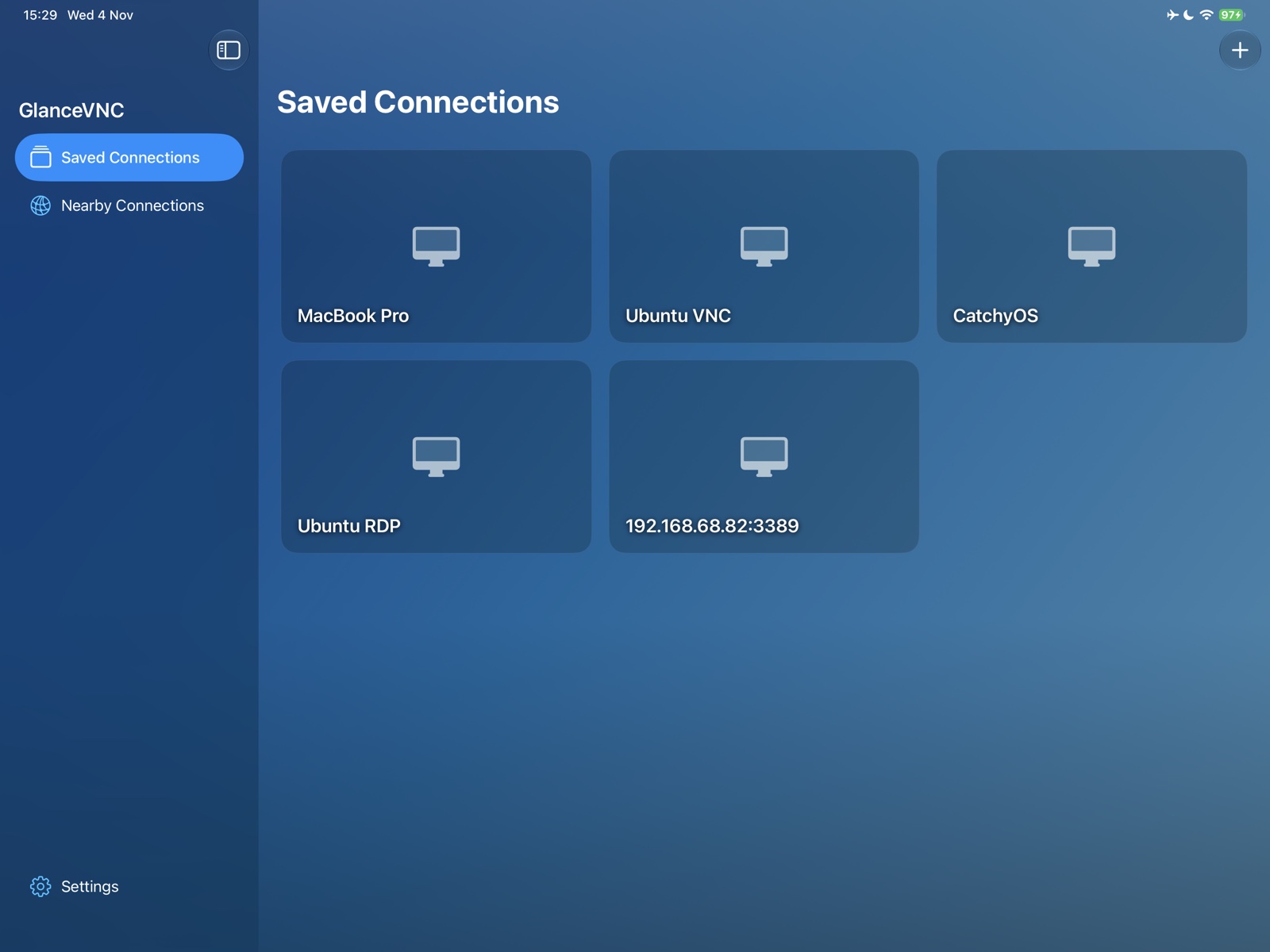
Use VNC for a compatible Mac Screen Sharing or Linux VNC desktop. Use RDP for a supported Windows Remote Desktop host or compatible Linux RDP server. GlanceVNC supports both protocols on iPhone and iPad, but the computer must already provide the service you select.
The protocols are not interchangeable: selecting RDP does not turn a VNC server into an RDP server. Both need a reachable network address, correct port and supported sign-in method.
Compare the supported paths
| Question | VNC | RDP |
|---|---|---|
| Common use | Mac Screen Sharing, Linux or Raspberry Pi with a compatible server | Windows Remote Desktop or compatible Linux RDP |
| Typical port | 5900; confirm the server setting | 3389; confirm the server setting |
| Nearby discovery | Bonjour-advertised VNC services | Add the host manually |
| Sign-in | Standard VNC password, supported legacy Apple authentication or compatible X.509 VeNCrypt | Direct TLS/NLA with username and password |
| Transport | Encryption depends on the server and selected mode | TLS |
| Clipboard | Plain text on compatible servers | Plain text |
Understand the security differences
Do not assume every VNC connection is encrypted. Optional strict VNC security needs a compatible certificate-backed VeNCrypt 0.2 server; standard Mac Screen Sharing does not provide that mode. For a password-only VNC server, use a trusted network or your own VPN.
RDP uses TLS. Check certificate details before giving a new approval, and investigate unexpected changes. Optional strict certificate verification blocks failures rather than allowing an approval override or unencrypted fallback.
Neither protocol creates an internet route by itself. Away-from-home connections still need your own reachable network path, normally a VPN for these guides.
Check the app’s limits before choosing
GlanceVNC’s RDP support does not include gateways, Kerberos/Azure sign-in, audio or file/device redirection. VNC does not support newer Apple Screen Sharing authentication, Tight Security or anonymous TLS. Neither protocol’s clipboard support transfers files or images.
Both provide remote pointer and keyboard input, Touch and Trackpad modes, zoom and display preferences. The available desktop resolution depends on the server; Mac Screen Sharing retains the Mac’s display resolution. Choose based on the server, authentication and workflow you need, rather than an unsupported claim that one protocol is always faster.
Follow the matching setup guide
The support FAQ lists detailed protocol and session compatibility.